Showing posts with label community. Show all posts

Tuesday, January 27, 2015

Quality Assurance reviews for Design, Functionality and Communications


This week a few of the features that I have been writing about will be shipping on webmaker.org - the work for Privacy Day and the new on-boarding experience. You might be wondering what we've been up to during that period of time after the project gets coded until the time it goes live. Two magical words: quality assurance (QA). We are still refining the process, and I am very open to suggestions as to how to improve it and streamline it. For the time being, let me walk you through this round of QA on the Privacy Day content.


It all starts out with a github issue


... and a kickoff meeting

The same team who worked on the prototyping phase of the Privacy Day campaign work are responsible for the quality assurance. We met to kick off and map out our plan for going live. This project required three kinds of reviews - that more or less had to happen simultaneously. We broke down the responsibilities like this:


Aki - (lead engineer) - responsible for preparing the docs and leading a functionality review
Paul - (communication/marketing) - responsible for preparing the docs and leading a marketing review
Jess - (lead designer) - responsible for preparing docs and leading design review
Bobby - (product manager) - responsible for recruiting participants to do the reviews and to wrangle  bug triage.
Cassie - (quality) - responsible for final look and thumbs up to say if the feature is acceptable to ship

Each of us who were responsible for docs wrote up instructions for QA reviewers to follow:


We recruited staff and community to user test on a variety of different devices:


This was done in a few different ways. I did both one on one and asynchronous review sessions with my colleagues and the community. It helps to have both kinds of user tests so that you can get honest feedback. Allowing for asynchronous or independent testing is particularly beneficial because it signals to the reviewer that this is an ongoing process and that bugs can be filed at any point during the review period specified. 


The process is completely open to the community. At any given point the github issues are public, the calls for help are public and the iteration is done openly. 


and if there were any problems, they were logged in github as issues:


The most effective issues have a screenshot with the problem and a recommended solution. Additionally, it's important to note if this problem is blocking the feature from shipping or not.

We acknowledge when user testers found something useful:


and identified when a problem was out of scope to fix before shipping: 


We quickly iterated on fixing bugs and closing issues as a team:


and gave each other some indication when we thought that the problem was fixed sufficiently:


When we are all happy and got the final thumbsup regarding quality, we then....


Close the github issue and celebrate:


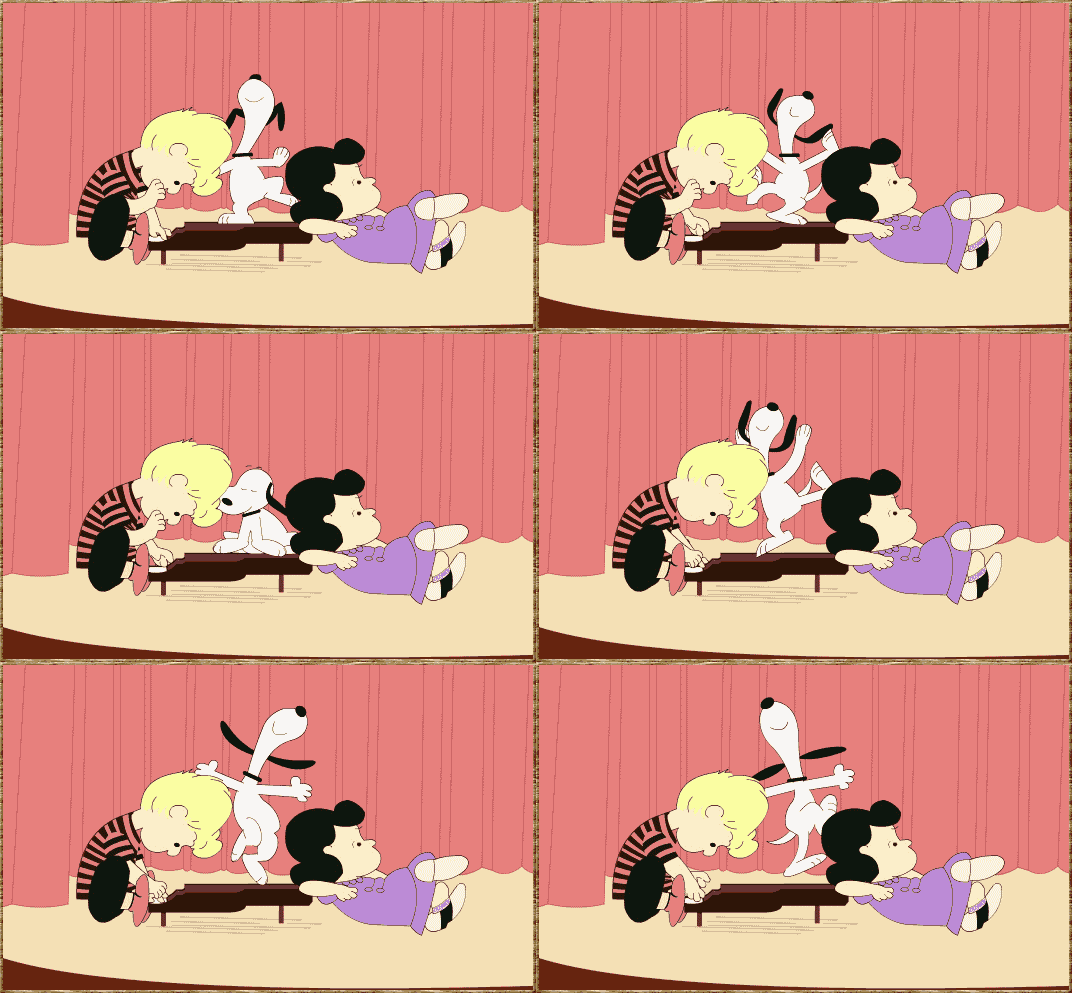
Then we start to make preparations to push the feature live (and snoopy dance a little):


Friday, October 24, 2014

Hive Labs at the Mozilla Festival: Building an Ecosystem for Innovation


This weekend marks the fifth year anniversary of the Mozilla Festival - and Hive Labs has a ton of fun design - oriented, hands-on activities to get messy with in person or remotely. We are using the event to explore design questions that are relevant to local communities and Hives and to dabble in building out a community-driven ecosystem for innovation. Here's a few highlights:

Challenges to Enacting and Scaling Connected Learning

This year, the Hive track at MozFest (http://2014.mozillafestival.org/tracks/) is bringing together Hive and "Hive curious" travelers from around the world to incubate solutions to shared challenges in enacting and scaling connected learning. We're working together over the course of the MozFest weekend to collaboratively answer questions that come up again and again in our networks across the globe. One question that Hive Labs is focusing on is: How do we build a community that supports innovation in the education space? 


Action Incubator

We will be hosting a series of activities embedded within the Hive track to think through problems in your Hives and local communities and brainstorming solutions collectively. We will be leveraging three teaching kit's that were made specifically to facilitate this kind of design thinking activity:

  • Firestarter: In this activity, participants will identify opportunities and then brainstorm potential design solutions.
  • User Testing at an Event: Events are a great time to leverage all of the different kinds of voices in a room to get feedback on an in-progress project or half-baked idea. This activity will help you to test ideas and projects and get constructive and actionable feedback.
  • Giving + Getting Actionable Feedback: Getting effective and actionable feedback on your half - baked ideas and projects can be challenging. This activity explores some ways to structure your feedback session.

Art of the Web 

This entire track is dedicated to showcasing and making art using the Web as your medium. Follow the #artoftheweb hashtag on twitter. 


in response to the #mozfest remotee challenge

MozFest Remotee Challenge

Want to join in on all of the Mozilla Festival action even though you aren't physically at the event? This challenge is for you! We have compiled a handful of activities focused on Web Literacy, supporting community - based learning and making so that you can take part in the conversation and brainstorming at the Mozilla Festival. Go here to start the challenge.

You can follow along all weekend using the #mozfest or #hivebuzz hashtags on Twitter.

Monday, July 23, 2012

Building the Next Generation of Web- Craftsmen

I was reading this article this morning in the NY Times by Louis Uchitelle about the American workforce and how we are losing our value of craftsmanship, and it got me thinking about the word "craft." 

Photo by Michael Falco of the NYTimes

We are at a stage where we are building up the contents of our "toolbox" at Mozilla, figuring out ways to sharpen those tools. We have Popcorn, X-Ray Goggles and Thimble- as well as learning projects that can accompany those tools within the context of the tool or in the form of a D.I.Y. recipe.  I am wondering, however, in the long run- how are we going to turn web-hobbyists into web-craftsmen (women, girls and boys)?  We are designing badge systems and trajectories, for our learning content at Mozilla,  which will reveal to our users pathways for further exploration, but in project based learning, I wonder what that extra secret ingredient is that will empower someone to go above and beyond and refine their work to the point that it is a craft.


Implicit in the word craft is some understanding of design, whether that be design of the system, the tool or the concept. In fact, the American Craft Museum (my former employer) has now changed their name to the Museum of Arts & Design. To some degree, the name change was because the term "craft" has lost its relevance in our society- people think of old women crochetting doilies when they hear craft. However, more and more I hear people reclaiming the word and using it as a brand advantage- something that was made by hand. The Renegade Craft Fair,  encourage local artisans to connect with eachother and show (and sell) their wares. Two key takeaways that I have from being a participant in their events is 1) a emphasis on hand- made design and 2) a celebration of community. I believe, these might be the two ingredients required for craftsmenship.

Do not call Atul Varma a codemonkey!


Design is a concept that extends far beyond "coding" when we talk about it in the context of webmaking. When someone creates a webpage, for example, a lot more goes into it than just implementing it- there is the concepting phase- where you brainstorm and make decisions on what and why of your page, the asset creation stage and finally the implementation stage.  It's the big picture.  The developers who I work with at Mozilla understand this. In fact, Atul, my thought partner at Mozilla, and co-developer of Hackasaurus hates it when people refer to him as a "code monkey" (someone who only inputs code)- and while I would only ever say that expression in jest,  the reason he gets so offended is that he is a craftsman. He researches, he tinkers, he looks for a community and ultimately, shares his work within that community. In short, he designs, develops and contributes to a community.

Learn about how much character (get it?) is inside your browser!

In the article, the author mentions how people know how to use their computers but they don't know how to build them- which got me starting to think about what the appropriate analogy is for the work that we do- because yes I could force teens to take apart their computers - but I think that doesn't resonate in the same way that it did for us in the 80s/90s. I think that the canvas for today is not the computer, but the browser- and I feel that deconstructing that browser will help learners understand what is possible- and why it is important to refine your craft to the point that your work is not just digestible data, but beautiful content that is accessible. Atul and I started to dabble with this idea using the Navigator badge concept- but I would love to push that further, and not think about the assessment, but the lessons here.


Hive NYC has developed a community of practice amongst professionals and learners

The community piece is a bit tricky because there are so many ways for us to engage communities. One way, is to build communities of practice with professionals and youth at like minded organizations- which is what we are doing with Hive NYC at Mozilla.  Another way would be to meet youth where they already are, which is kind of the beauty of modular concepts like Open Badges- because it wouldn't matter what circle a learner is based in, because they would be able to show their skill through an understood social currency that is backed up by a portfolio of work. Then again, there are other ways, like imagine mixing the making piece within the context of a community of online practice- like hacking facebook to be the best facebook within facebook- with your facebook peers (oh yeah, that sounded like Inception!)

I often say that the web is a handcrafted community and medium- one that was created by individual people who work to make it reflect of our own local interests. If we are to elevate the level of innovation and representation within the web, we need to develop a community of web- craftsmen. That means providing tangible learning tools and projects, trajectories that implicitly incorporate design thinking and integrating with communities of practice. 

Friday, March 30, 2012

What's in a designer 's bookbag?

what's in my bag?From left to right: Reading materials, Grow a Game, Grapes, Laptop, Wacom tablette, laptop cleaners, pens, makers, pencils, dice, pencil case, scissors, sketchbooks, dongles, surge protector, ipod shuffle, index cards

At a recent workshop that I gave for a bunch of teenagers,  I was asked "what does a designer have in their bookbag?" by one of the participants. At first I thought it was a funny question and thought - obviously... metrocards, wallet etc. But after a little bit of  discussion, I dumped out my bookbag and watched the teens dissect my stuff.

The first things that they grabbed for (in order) were: my sketchbooks, my Wacom, my laptop, my books.

Although this was a casual interaction , it got me to thinking about a few things:

I am not just Jess, I am "Jess the Designer" 

This might be a silly point, but I realize that I represent some level of a career path that a teen could choose to take. So when they ask to see what's inside a designers bag, they are asking what it's really like to be a designer. They are curious about what putting on that "hat" or in this case, wearing that bag, would really be like.

Tools are personal

Everyone is intrigued by gadgets, but tools are personal. I found it intriguing that these teens who are passionate about technology first grabbed for my sketchbooks. They knew what they were going to find in there, my scribbles- plain ordinary books but they went for it. I think that like me, they crave something tangible. I like having accessible tools- since I design with community members and for participation, I try to have with me things that anyone can just pick up and use- that's why I have index cards, hello kitty markers, dice and paper. The teens asked me if everyone uses macs, or androids (my phone-  not pictured) and I told them that it was just what I used. I've talked about this before, but I am pretty agnostic about my tools: I use Adobe Photoshop and Aviary, I use a little of everything- and I like it that way.

Showing your bag is an extension of showing your process

At Mozilla, and just in general- the way that I work is called, "working in the open." I share the majority of my process- from sketches to interactive final deliverables. I think that sharing what you work with and how you work is just as valuable as the end product. Why? I value the experience and the craft of making something. Much of my stuff is made for the web, but that doesn't mean that I make it all on and with the web, I take my real-life personal and local world and experiences and bring that into my work.

What do YOU have in your bag? How do you share your process with your community?